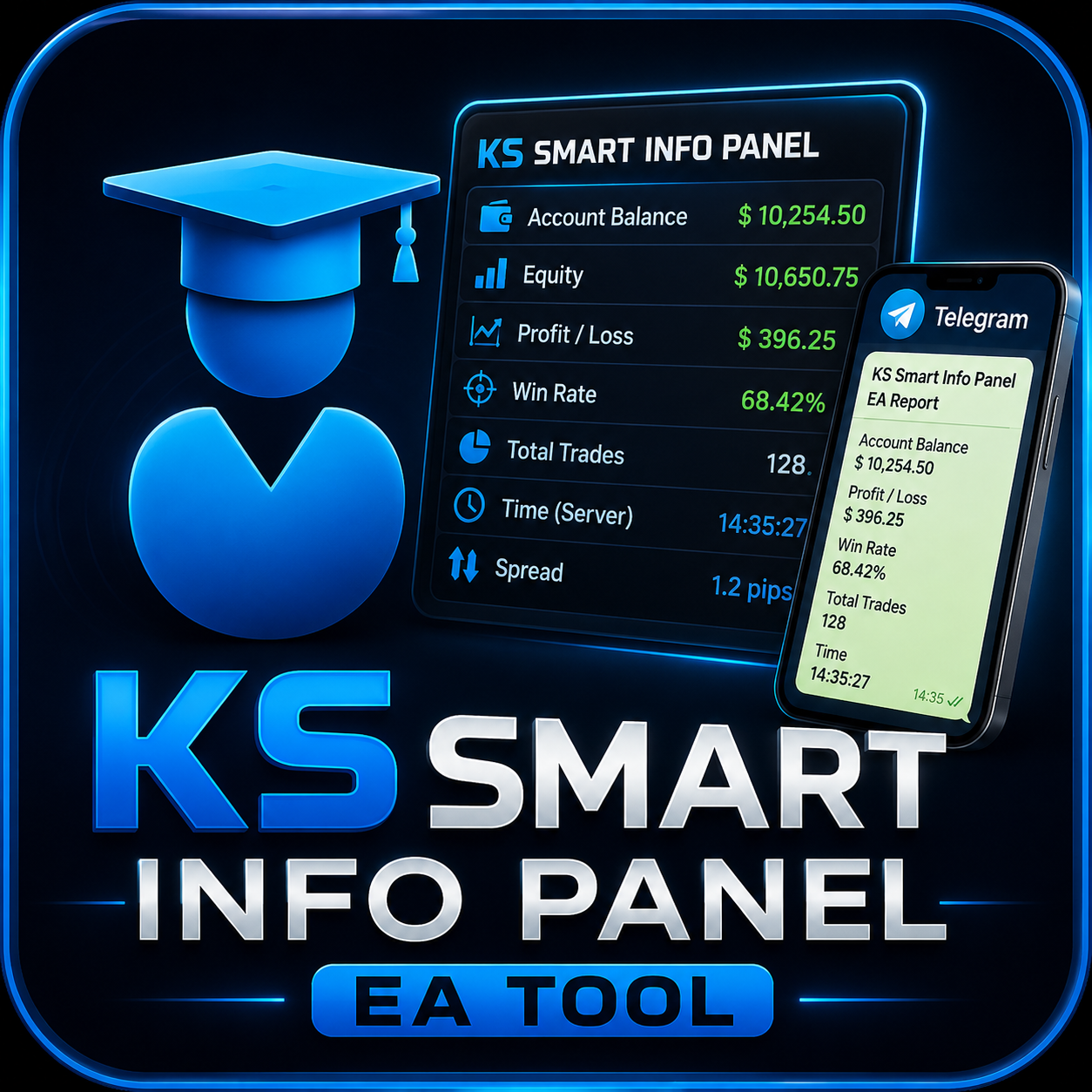
KS Smart Info Panel EA Tool
by MQL5
- Version 1.9
- Works on MT5
- Freeware — no cost to download
- Direct download link, no installer bundling
Product description
This Tool work for send Screenshot your MT5 multiple chart telegram and discord after specific interval suppose you want 15 min candle close you want chart update than you need to install one more tool to work both compatibility , that indicator will automatically screenshot and send through this tool to your telegram discord channel group or private message.
link https://www.mql5.com/en/market/product/183072
Live Demo Telegram Discord available contact me in profile messege.
You can get any screenshot of chart through this indicator to your Mobile Group auto frequency Set.
without ks info smart panel utility it will not use full for send chart to Telegram Discord Group automatically
KS Smart Info Panel EA Tool is a MetaTrader 5 utility designed for traders who need reliable, automated chart screenshot delivery.
Core Functionality:
Automatically takes screenshots of multiple open charts in your MT5 terminal
Sends them instantly to Telegram (Groups, Channels, or Private chats) and Discord (via webhook)
Fully customizable candle-close frequency — choose any timeframe: M1, M5, M15, M30, H1, H4, D1, etc.
Works seamlessly with the KS Smart Info Panel With Telegram Screenshot indicator (recommended) for precise timing and advanced features
Key Benefits:
Stay connected with your trading community without manual effort
Perfect for signal providers, prop firm traders, trading groups, and mentors
Real-time visual updates delivered directly to mobile devices
Lightweight and efficient – runs smoothly even with many charts open
How it Works:
Install the KS Smart Info Panel EA Tool on any single chart
Attach the companion utility on the charts you want to monitor
Set your preferred screenshot frequency (based on candle close)
Configure your Telegram Bot Token + Chat ID or Discord Webhook
Sit back and receive chart screenshots automatically!
Live Demo available – Contact the author via MQL5 profile for Telegram/Discord demo.